Internet Explorer 8 can be installed on Microsoft Windows Vista Service Pack 1 (SP1), Windows Vista, Windows XP Service Pack 2 (SP2), Windows Server 2008, and Windows Server 2003 Service Pack 2 (SP2).
Note, IE8 is still in Beta stage so only download if you know what you are doing. As for myself I will continue to use Firefox and Opera as my web browsers.
Link to the Internet Explorer 8 Download Site
More reading Below:
You also might want to read "Why Internet Explorer 8 might not pass the Acid2 test"
The Web Standards Project (WaSP) announced the release of Acid3, the latest in a line of tests designed to expose flaws in the implementation of mature Web standards in Web browsers.
Acid3 Test Released
Showing posts with label Internet Explorer. Show all posts
Showing posts with label Internet Explorer. Show all posts
Thursday, March 06, 2008


Thursday, September 27, 2007
Opera vs Firefox vs Internet Explorer
I saw this funny group of pictures over at Operawatch and thought it was hilarious. It is a visual comparison of how Firefox, Opera and Internet Explorer would look if they were vehicles.


Sunday, April 01, 2007
IE7 Trojan on the Loose
If you get a e-mail telling your IE7 Beta 2 is ready for release stop and think a few seconds. IE7 has already been released it is well out of Beta. This trojan is pretty nasty so don’t fall for this one. After all you should be using Firefox or Opera anyway...
Thursday, March 29, 2007
Vulnerability in Windows Animated Cursor Handling
Watch out for those web sites that have animated cursors. Especially make sure you don't surf to those with Internet Explorer unless you want to leave your computer vulnerable to hackers.
Microsoft has issued a notice that it is investigating the vulnerability. If users visit a web site or view an e-mail containing hacked .ani files (the animated cursor file type), so Microsoft's advice for the moment: be careful when opening unsolicited emails or browsing new web sites.
The vulnerability appears to affect Internet Explorer 6 and 7 running on Windows XP SP2.
All the more reason to switch to either Firefox or Opera for you browser.
Microsoft Security Advisory (935423)
Title: Vulnerability in Windows Animated Cursor Handling
Microsoft has issued a notice that it is investigating the vulnerability. If users visit a web site or view an e-mail containing hacked .ani files (the animated cursor file type), so Microsoft's advice for the moment: be careful when opening unsolicited emails or browsing new web sites.
The vulnerability appears to affect Internet Explorer 6 and 7 running on Windows XP SP2.
All the more reason to switch to either Firefox or Opera for you browser.
Microsoft Security Advisory (935423)
Title: Vulnerability in Windows Animated Cursor Handling
Wednesday, February 28, 2007
You have been fooled by Trojan horse. Now what?
CNET Download.com's Jessica Dolcourt and News.com's Neha Tiwari talk Trojans. Is reformatting your hard drive the way to go when combatting spyware? Find out here.
Friday, February 09, 2007
Unhandled Perception: Relocate the menu bar in IE7 to the top of the window
Software developer Chris Hanscom shows you how to tweak Internet Explorer 7's file-menu toolbar so it sits at the top, just like it did in IE6.
By default, IE7 doesn't even show the traditional File/Edit/View/etc. menu. You can restore it by clicking Tools / Menu Bar, but it appears below the navigation bar. Hanscom's simple hack moves it back up top where it belongs. He makes the file available for download if you want an easy fix.
Unhandled Perception: Relocate the menu bar in IE7 to the top of the window
By default, IE7 doesn't even show the traditional File/Edit/View/etc. menu. You can restore it by clicking Tools / Menu Bar, but it appears below the navigation bar. Hanscom's simple hack moves it back up top where it belongs. He makes the file available for download if you want an easy fix.
Unhandled Perception: Relocate the menu bar in IE7 to the top of the window
Tuesday, January 30, 2007
Safer computing for your kids with Windows Vista
With Windows Vista you can choose to allow or restrict specific game titles, limit play to games with a certain rating, or block games with scary or inappropriate content. In other words, zombies and guns are out, while educational games stay in. If you don't want your kids on the computer on Sundays, for example, because you'd prefer they get some fresh air instead, you can specify which days and times they are allowed PC access.
Here's a rundown of the other ways Windows Vista can help you set limits on your kids' computer usage:
Time limits: Set a limit as to how long children can use the computer
Web restrictions: Restrict the websites kids can visit and what they're allowed to download.
Game restrictions: Restrict the types of computer games children can play.
Application restrictions: Apply limits so kids can only run applications you have approved.
Activity reports: Get a detailed report of what your kids have been doing on the computer, including games played, websites visited and applications used.
Here's a rundown of the other ways Windows Vista can help you set limits on your kids' computer usage:
Time limits: Set a limit as to how long children can use the computer
Web restrictions: Restrict the websites kids can visit and what they're allowed to download.
Game restrictions: Restrict the types of computer games children can play.
Application restrictions: Apply limits so kids can only run applications you have approved.
Activity reports: Get a detailed report of what your kids have been doing on the computer, including games played, websites visited and applications used.
Saturday, January 27, 2007
PC World says Opera is safer than either Internet Explorer or Firefox
In a recent issue of PC World magazine columnist Scott Spanbauer wrote about the importance of staying safe online while browsing. Here is what he had to say about the Opera browser:
“While no software is perfectly secure, many experts (including me) think the Opera browser is safer than either IE or Firefox.”
To be fair, it sounds like he’s basing it on the fact that Opera has a small market share, and thus malware authors aren’t targeting it yet.
“While no software is perfectly secure, many experts (including me) think the Opera browser is safer than either IE or Firefox.”
To be fair, it sounds like he’s basing it on the fact that Opera has a small market share, and thus malware authors aren’t targeting it yet.
Friday, January 26, 2007
Malicious Software Removal Tool
The Microsoft Windows Malicious Software Removal Tool checks computers running Windows XP, Windows 2000, and Windows Server 2003 for infections by specific, prevalent malicious software including Blaster, Sasser, and Mydoom and helps remove any infection found. When the detection and removal process is complete, the tool displays a report describing the outcome, including which, if any, malicious software was detected and removed.
Microsoft releases an updated version of this tool on the second Tuesday of each month. New versions are available at the Software Removal Tool Web page, Windows Update, and the Microsoft Download Center.
Because computers can appear to function normally when infected, Microsoft advises you to run this tool even if your computer seems to be fine. You should also use up-to-date antivirus software to help protect your computer from other malicious software.
Note You must be logged on to your computer with an account that is part of the Administrators group to run this tool.
Microsoft releases an updated version of this tool on the second Tuesday of each month. New versions are available at the Software Removal Tool Web page, Windows Update, and the Microsoft Download Center.
Because computers can appear to function normally when infected, Microsoft advises you to run this tool even if your computer seems to be fine. You should also use up-to-date antivirus software to help protect your computer from other malicious software.
Note You must be logged on to your computer with an account that is part of the Administrators group to run this tool.
Friday, January 05, 2007
Internet Explorer was vulnerable to threats 284 days in 2006
Brian Krebs at the Washington Post's Security Fix blog wanted to put together some statistics on how long it took major software providers to fix vulnerabilities last year. He started with Microsoft, and found that Internet Explorer was vulnerable to critical flaws for a total of 284 days. That's more than 9 months.
In fact, there were at least 98 days when Microsoft had not issued a fix even though criminals were actively exploiting some of those flaws to grab personal data from Internet Explorer users.
Krebs says he ran his data by Microsoft before posting it on the blog, and that aside from some minor issues, the company didn't bring up anything that would change the overall finding.
By comparison, Firefox was only vulnerable to a serious security threat for one 9 day period last year. What's interesting is that for 2006, Opera 8 and Opera 9 didn't suffer from a single extremely critical vulnerability as classified by Secunia (although both did suffer a single highly critical vulnerability).
Be sure to go read todays post. Krebs takes a look at the number of security patches issued for Microsoft Office in 2006.
In fact, there were at least 98 days when Microsoft had not issued a fix even though criminals were actively exploiting some of those flaws to grab personal data from Internet Explorer users.
Krebs says he ran his data by Microsoft before posting it on the blog, and that aside from some minor issues, the company didn't bring up anything that would change the overall finding.
By comparison, Firefox was only vulnerable to a serious security threat for one 9 day period last year. What's interesting is that for 2006, Opera 8 and Opera 9 didn't suffer from a single extremely critical vulnerability as classified by Secunia (although both did suffer a single highly critical vulnerability).
Be sure to go read todays post. Krebs takes a look at the number of security patches issued for Microsoft Office in 2006.
Wednesday, November 22, 2006
Firefox, IE vulnerable to fake login pages
Mozilla's Firefox 2 and Microsoft's Internet Explorer 7 are vulnerable to a flaw that could allow attackers to steal passwords.
Dubbed a reverse cross-site request, or RCSR, vulnerability by its discoverer, Robert Chapin, the flaw lets hackers compromise users' passwords and usernames by presenting them with a fake login form. Firefox Password Manager will automatically enter any saved passwords and usernames into the form.
The data is then automatically sent to an attacker's computer without the user's knowledge.
Read more about this here
Dubbed a reverse cross-site request, or RCSR, vulnerability by its discoverer, Robert Chapin, the flaw lets hackers compromise users' passwords and usernames by presenting them with a fake login form. Firefox Password Manager will automatically enter any saved passwords and usernames into the form.
The data is then automatically sent to an attacker's computer without the user's knowledge.
Read more about this here
Sunday, October 29, 2006
Internet Explorer 7 Quick Reference Sheet
IE 7 is the latest browser from Microsoft. And here is an excellent Quick Reference Sheet of it. Here you will find all the General shortcuts,Tab shortcuts and Common tasks.
Internet Explorer 7 Quick Reference Sheet
Internet Explorer 7 Quick Reference Sheet
Monday, October 23, 2006
IE 7's heavily promoted security features
CNET News.com's Joris Evers and CNET.com's Robert Vamosi discuss IE 7's heavily promoted security features in this week's Security Bites. Click here to watch the video at Cnet's news.com
Thursday, October 19, 2006
Internet Explorer 7 is Out
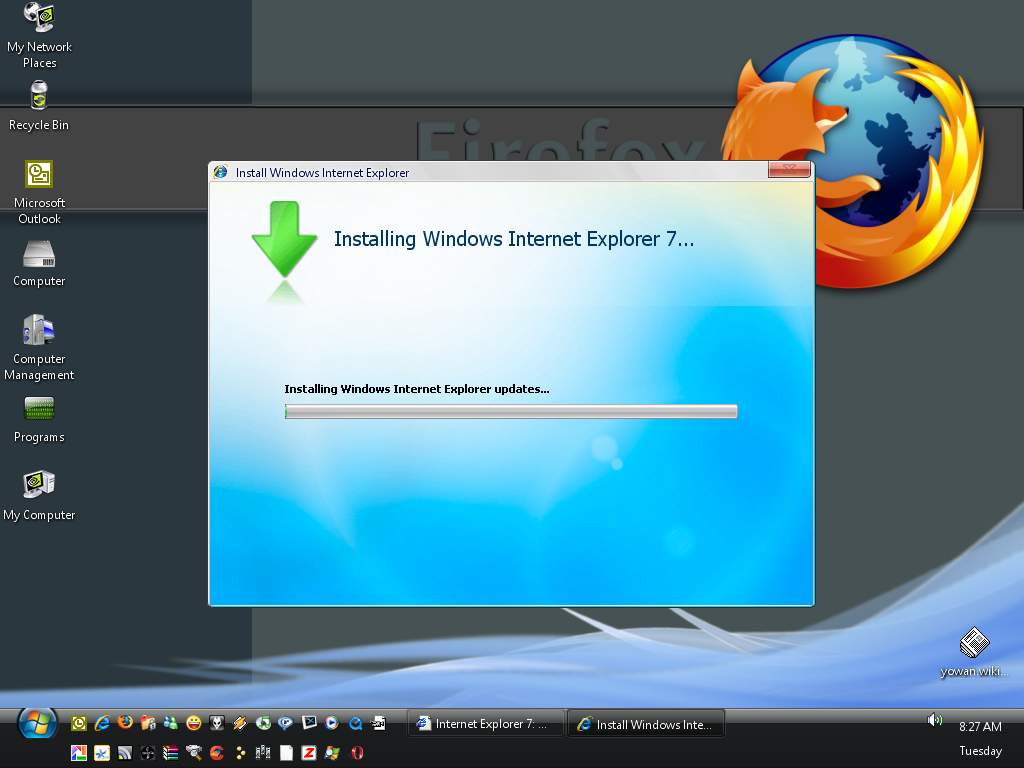
Just a quick post to let you guys know that IE7 was released just a few hours ago.
Some improvements over IE6 includes: New Interface, RSS Feeds, Phishing Filter, Protected Mode, Tabbed Browsing, and PNG support among many others.Upgrade with confidence. Get downloads for Internet Explorer 7, including recommended updates as they become available. To download Internet Explorer 7 in the language of your choice, please visit the Internet Explorer 7 worldwide page
The setup is available from this location.
Wednesday, September 20, 2006
Microsoft issues workaround for latest Internet Explorer 0-day exploit
Researchers at Sunbelt Software have discovered a new exploit in Internet Explorer that is being used to compromise systems using Internet Explorer. This flaw forms part of something called VML or vector markup language an XML Web programming language used to create scalable graphics.
On the Sunbelt Blog, Eric Sites, VP or Research and Development, shows how a fully patched system can be compromised by visiting a web page making use of the malicious code. This is being used to install nasty spyware and adware.
Microsoft has issued a workaround for latest 0-day exploit for Internet Explorer. This workaround will disable VML rendering but most users won't really notice this.
The workaround involves unregistering a DLL file called vgx.dll (to do this you need admin privileges).
Click Start, click Run, type regsvr32 -u "%ProgramFiles%\Common Files\Microsoft Shared\VGX\vgx.dll", and then click OK.
Undoing this change is simple and only requires you to re-register vgx.dll.
Click Start, click Run, type regsvr32 "%ProgramFiles%\Common Files\Microsoft Shared\VGX\vgx.dll", and then click OK.
This should be safe to do once a patch is released.
On the Sunbelt Blog, Eric Sites, VP or Research and Development, shows how a fully patched system can be compromised by visiting a web page making use of the malicious code. This is being used to install nasty spyware and adware.
Microsoft has issued a workaround for latest 0-day exploit for Internet Explorer. This workaround will disable VML rendering but most users won't really notice this.
The workaround involves unregistering a DLL file called vgx.dll (to do this you need admin privileges).
Click Start, click Run, type regsvr32 -u "%ProgramFiles%\Common Files\Microsoft Shared\VGX\vgx.dll", and then click OK.
Undoing this change is simple and only requires you to re-register vgx.dll.
Click Start, click Run, type regsvr32 "%ProgramFiles%\Common Files\Microsoft Shared\VGX\vgx.dll", and then click OK.
This should be safe to do once a patch is released.
Monday, March 13, 2006
21 times more likely to get spyware with IE!
'In May and October, Levy and colleague Steven Gribble sent their crawlers to 45,000 Web sites, cataloged the executable files found, and tested malicious sites' effectiveness by exposing unpatched versions of Internet Explorer and Firefox to drive-by downloads." Here are their results...
read more | digg story
read more | digg story
Subscribe to:
Posts (Atom)